Cloud Backup – Risk of Data Leakage Outside the Organization: Truths and Myths
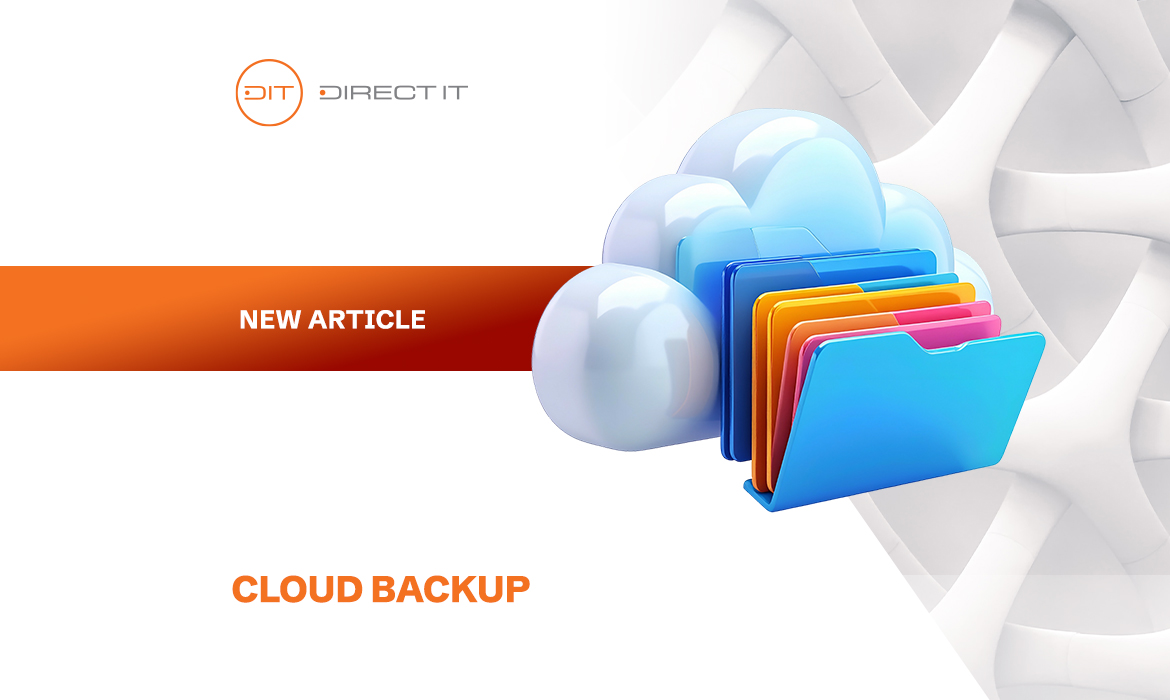
Cloud Backup
Modern companies increasingly use cloud solutions for data storage and backup. The cloud offers flexibility, scalability, and the ability to quickly restore information in case of failure, yet many myths have developed around its security. One of the most common is the belief that storing backups in the cloud automatically entails the risk of data leakage outside the organization. In reality, the truth is more nuanced – data security depends on technology, procedures, and responsible cloud management policies.
Myth 1: Cloud data is less secure than local storage
One of the biggest myths is that cloud backups are less secure than those stored locally on company servers. In practice, modern data centers provide advanced protection systems, including encryption of data in transit and at rest, multi-layer access authorization, and 24/7 monitoring. Professional cloud service providers also maintain redundant copies of data in different geographic locations, which further minimizes the risk of data loss in the event of a physical server failure.
Truth 1: The risk of leakage exists, but it is controllable
Of course, no technology guarantees 100% security. There is a risk of data leakage, but properly implemented procedures and security policies significantly reduce it. Companies using the cloud should implement end-to-end encryption, copy encryption, access segmentation, regular security audits, and threat detection systems. With these measures, storing backups in the cloud can be even safer than traditional local systems, where administrative errors or unpatched software can increase the risk of incidents.
Myth 2: The cloud means loss of control over data
Many people believe that uploading data to the cloud means losing full control over who can access it. In fact, modern cloud solutions allow company administrators to manage access precisely. It is possible to define roles and permissions, restrict access to specific locations or devices, and track all operations in audit logs. Such mechanisms ensure that cloud backups are not a “black box” – the organization maintains control over its data while benefiting from advanced security measures that would be costly and time-consuming to implement in-house.
Truth 2: Security depends on implementation and procedures
The biggest threat to cloud data is not the technology itself but improper implementation and lack of procedures. Examples include weak passwords, outdated systems, or unsecured endpoints. Companies should implement security policies covering data encryption, password management, employee training, and regular recovery tests. Combined with a professional cloud provider, this minimizes the risk of leakage and ensures business continuity.
Myth 3: The cloud is only for large enterprises
It is also false to assume that cloud backups are reserved only for large companies. Today, providers offer scalable solutions tailored to the needs of small and medium-sized businesses. Even small organizations can benefit from high levels of security, automatic data replication, and fast recovery in emergencies – all without the need to invest in costly local infrastructure.
Truth 3: The cloud increases resilience to failures and attacks
Cloud backups not only protect against physical data loss but also reduce the impact of cyberattacks, such as ransomware. Data replicated across multiple geographic locations allows companies to quickly restore systems even in the event of a severe failure or attack. Combined with appropriate security policies, monitoring, and disaster recovery procedures, the cloud becomes not only convenient but also strategically safe.
Myth 4: Cloud backup is more expensive than on-premises solutions
One myth that is also worth debunking is the belief that cloud backup always means higher costs. In practice, many companies compare only the price of a cloud service with the “ownership” cost of local infrastructure, without taking into account expenses such as purchasing servers, storage arrays, media, electricity, cooling, data center space, and—crucially—the administrators’ time required to manage the entire backup infrastructure. In addition, on-premises environments are often neglected: backup management consoles are not updated, backup policies are not tested, and security measures remain outdated. As a result, such a seemingly “cheaper” local backup becomes in reality less secure and less reliable than a professional cloud backup solution that is continuously updated, monitored, and maintained in line with best security practices.
Truth 4: The cloud often proves to be cheaper and more secure in the long term
In reality, the total cost of ownership (TCO) of cloud solutions is very often lower than maintaining an in-house backup infrastructure. The service-based model eliminates the need to invest in hardware, its regular replacement, maintenance, and the ongoing costs of power and cooling. Moreover, responsibility for updates, security, and system availability lies with the service provider, which has specialized teams and tools at its disposal. As a result, companies gain not only real financial savings but also a higher level of data security and the confidence that their backup will actually work when it is needed most.
How to use cloud backups safely
To minimize the risk of data leakage, it is recommended to:
- Choose trusted providers with security certifications, e.g., ISO 27001.
- Encrypt data in transit and at rest.
- Manage access at the user and group level.
- Regularly test recovery procedures and conduct security audits.
- Train employees on cybersecurity and IT policies.
Summary
The myth that cloud backups automatically pose a risk of data leakage is largely false. Data security in the cloud depends on selecting the right provider, implementing technology correctly, using encryption, and following access control and management procedures. Properly managed, cloud storage can protect against data loss while increasing resilience to cyberattacks and infrastructure failures. Using cloud backups, while adhering to security best practices, is an effective, flexible, and safe solution for organizations of any size.
Trust the IT Experts
We have extensive experience in delivering comprehensive solutions for data protection and preventing information leaks for companies of all sizes. Our solutions are tailored to the individual needs of our clients, so you can focus on the core aspects of running your business.
Want to learn more?
Contact us, and we will prepare a detailed offer customized specifically for your company: CONTACT
Also, visit us on: Facebook
We recommend: